
The other day I decided to test drive Juniper to do something I always wanted to do: run a function programming language on a microcontroller. I’ve become increasingly enchanted with using functional programs to express abstract musical ideas (thanks Paul Hudak!)and there are many links between functions and improvisation as well.
With that in mind and In preparation for an upcoming Arduino music workshop I’ll be teaching at Make Nashville, I wanted to use a language that lent itself more easily (and quickly) to making musical patterns while still being able to drive the Arduino’s internal tone() function. Building out C/C++ pre-allocated arrays just felt like too much to throw at beginners.
There have been functional embedded DSLs for microcontrollers for a few years – micro-lisp and Ivory for example. But what appealed to me about Juniper was that it is a transpiler to Arduino C/C++ – that is – write in one language, translate it to another, compile and upload the second language to the controller. While the steps to get the Juniper transpiler running on my system were non-trivial, I succeeded. I also quickly found I couldn’t use the normal Arduino IDE and instead opted for VSCode’s PlatformIO – something else I’d been meaning to try out for a while now.
And .. it failed when uploading a “Hello World” to my cheap ELEGOO Nano board:
Looking for upload port...
Auto-detected: /dev/cu.usbserial-230
Uploading .pio/build/ATmega328P/firmware.hex
avrdude error: programmer is not responding
avrdude warning: attempt 1 of 10: not in sync: resp=0x00
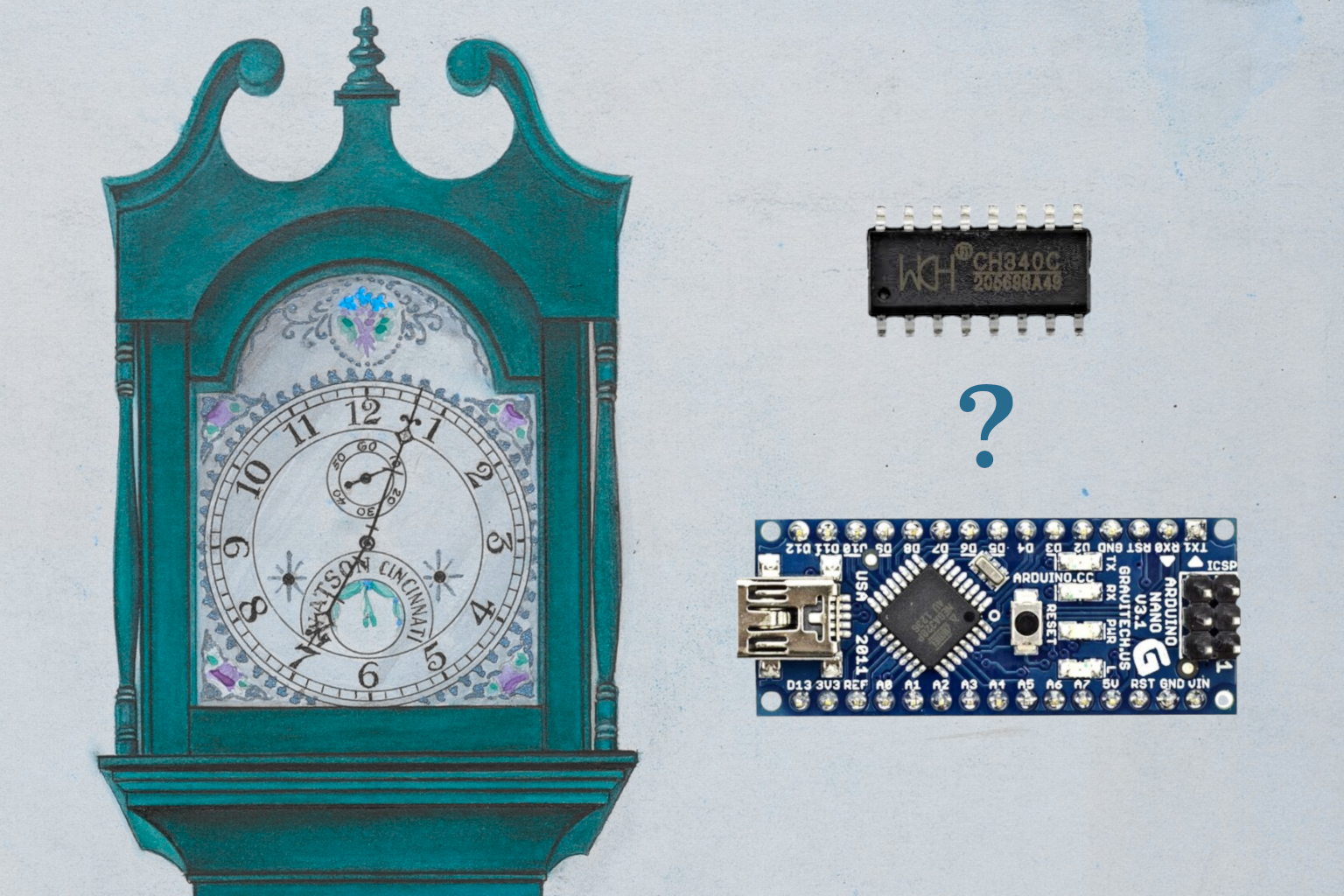
After switching through many different board configurations nothing worked! An unfortunate aspect of the AVR command-line utility avrdude is it tends to be pretty quiet about what’s actually wrong half the time. Doing a lot of digging, I found cheap Arduino Nano clones often use a different USB-to-serial chip called the CH340. Standard FTDIs are more reliable but more expensive so CH340s are a cost saving measure.
While the CH340 data sheet says it can handle 2400bps to 115200 bps, in practice this may not be the case. Timing sensitive connections for this chip are shown in practice to be more reliable at higher speeds than more expensive FTDIs. This is not unlike how you can get away with more mistakes when playing a fiddle tune at a higher speed! Using the Arduino IDE this has never been an issue, but in all likelihood the IDE’s drivers hide this detail. So it’s recommended to run uploads at 11520 baud rate.
If that doesn’t fix the issue, another option is to pass the -D flag to disable auto-erase before programming. Typically avrdude performs a flash memory (not full chip) erase when uploading a new binary to the controller. But the flash memory erase functionality requires much more precise timing than typical lower quality Nano clones are capable of. If changing to a baud rate of 11520 does fix timing issues, you can tell avrdude to skip the auto erase step and simply overwrite existing bits. However you should only do this if you absolutely have to as you are not guaranteeing the full extent of program memory is cleared. The flag to do this -D.
Here’s the simple AVR settings I used to avoid all the headache and make the upload process much more forgiving of clones:
upload_speed = 115200
upload_flags = -D
With that I got Juniper up on my Arduino and was surprised to see only 4% of flash was used for the entire language spec. Very cool! In the end Juniper is probably too much to throw at beginners when you have to consider running PlatformIO as opposed to the much simpler Arduino IDE. However, I wouldn’t have known about issues with the CH340, which is a weird chip in that it also apparently does infrared-to-serial communications – just in case you need that.
The lesson here is be wary of using cheap Arduino clones as they tend to be much noisier and suffer from issues related to cost cutting. I probably won’t recommend them anymore without a major disclaimer around timing issues.